Skip to content
Data Guide. Find the best way to manage your data.
Subscribe
Home Series About Contact
  • Agentic Data Engineering in Microsoft Fabric with Claude Code
    AI | Data Engineering | Microsoft Fabric

    Agentic Data Engineering in Microsoft Fabric with Claude Code

    ByLukasz Lubina October 16, 2026November 12, 2026
    20 min read

    Status check, verified October 2026. The Fabric Core MCP Server is generally available since the September 2026 Fabric update, but the pieces around it move fast. The Fabric skills are open source and get new versions often, the Fabric CLI ships regularly, and the VS Code extension changes its UI from time to time. If…


    Read More Agentic Data Engineering in Microsoft Fabric with Claude CodeContinue

  • Recent posts

  • One Prompt, One Workspace: Agentic Microsoft Fabric Admin
    AI | Administration | Microsoft Fabric

    One Prompt, One Workspace: Agentic Microsoft Fabric Admin

    ByLukasz Lubina October 16, 2026November 12, 2026
    24 min read

    Status check, verified October 2026. The Fabric Core MCP Server is out of preview: Microsoft listed it as generally available in the September 2026 Fabric update. The tool set is still growing, though. At the time of writing it has no tools for capacity assignment, Git or Spark settings, which is why fab and az…

    Read More One Prompt, One Workspace: Agentic Microsoft Fabric AdminContinue

  • Agentic Development in Microsoft Fabric, Part 1: The Setup
    Microsoft Fabric | AI

    Agentic Development in Microsoft Fabric, Part 1: The Setup

    ByLukasz Lubina August 12, 2026November 12, 2026
    9 min read

    Preview notice, verified August 2026. The Fabric Core MCP Server is in public preview. Endpoints, tool names and configuration can change before GA, so if a command here doesn’t behave the way I describe, check the Microsoft Learn docs before assuming your setup is broken. I date-stamp every post in this series and update them…

    Read More Agentic Development in Microsoft Fabric, Part 1: The SetupContinue

  • How to Maintain Custom Libraries Across Fabric Workspaces
    Microsoft Fabric | Administration

    How to Maintain Custom Libraries Across Fabric Workspaces

    ByLukasz Lubina July 6, 2026November 12, 2026
    8 min read

    If you’ve been building shared code for your team in Fabric, you already know the easy part is writing the library. The hard part shows up later: keeping that same library consistent across a dozen workspaces without turning every release into a manual chore. I’ve covered how to work as a team in an enterprise…

    Read More How to Maintain Custom Libraries Across Fabric WorkspacesContinue

  • Build Your Own Python Library for Microsoft Fabric Notebooks
    Microsoft Fabric

    Build Your Own Python Library for Microsoft Fabric Notebooks

    ByLukasz Lubina April 30, 2026November 12, 2026
    6 min read

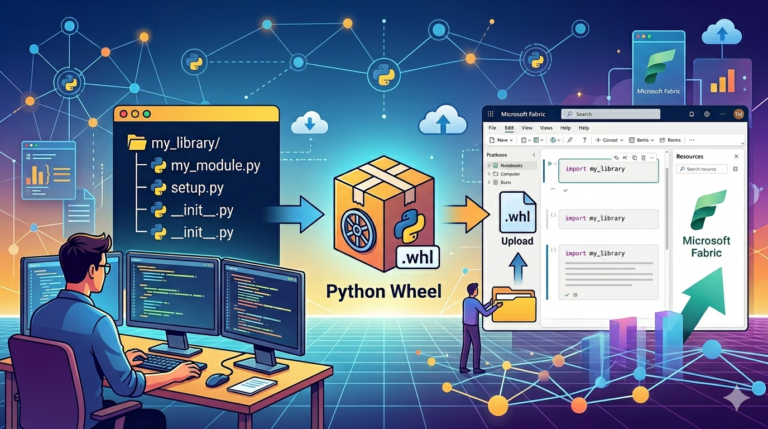
    When you’ve got more than one data engineer building things in Microsoft Fabric, you’ve probably hit the same little annoyance I did: everyone is quietly rewriting the same helper functions. Same string concat. Same date parser. Same five-line utility nobody can find when they actually need it. There are a few ways to tackle this…

    Read More Build Your Own Python Library for Microsoft Fabric NotebooksContinue

  • Custom Environment – what’s that, what is the reason
    Microsoft Fabric

    Custom Environment – what’s that, what is the reason

    ByLukasz Lubina February 24, 2026November 12, 2026
    8 min read

    If you’re working with Microsoft Fabric and running complex workloads – multiple notebooks executing at the same time, or needing Python libraries that aren’t built-in – you’ve probably asked yourself: “How do I manage this properly?” The answer is Fabric Environments. In this post, I’ll walk you through what they are, how to configure them,…

    Read More Custom Environment – what’s that, what is the reasonContinue

  • Fabric Deployments Made Easy: Two Proven Methods
    Administration | Microsoft Fabric

    Fabric Deployments Made Easy: Two Proven Methods

    ByLukasz Lubina February 7, 2026November 12, 2026
    8 min read

    In my previous post, I walked through setting up development environments in Microsoft Fabric, connecting them to Git, and shared some best practices for collaboration and continuous development. If you haven’t read that yet, I’d recommend starting there—this post builds on those concepts and refers back to them in several places. Here, we’ll tackle the…

    Read More Fabric Deployments Made Easy: Two Proven MethodsContinue

  • Microsoft Fabric CI/CD Made Simple: Organizing Workspaces and Collaboration
    Administration | Microsoft Fabric

    Microsoft Fabric CI/CD Made Simple: Organizing Workspaces and Collaboration

    ByLukasz Lubina January 13, 2026November 12, 2026
    6 min read

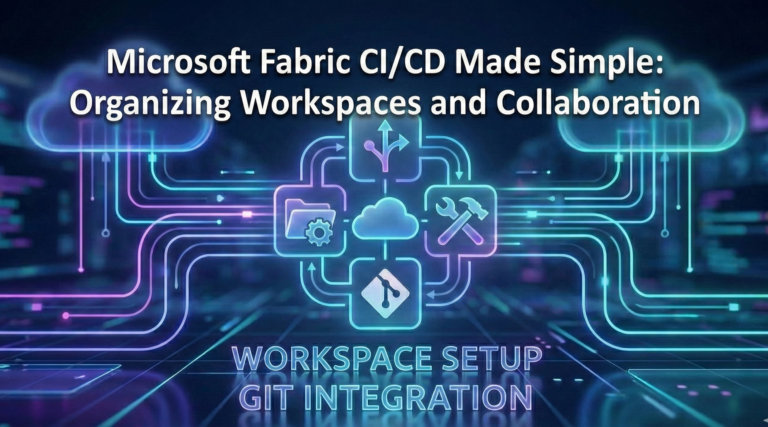
    If you’ve ever worked on building or releasing data solutions, you’ve probably run into the usual suspects: long release cycles, last-minute bugs, and the classic “it works on my machine” problem. Writing clean code is only half the job—getting it into production reliably and quickly is where things tend to break down. That’s where CI/CD…

    Read More Microsoft Fabric CI/CD Made Simple: Organizing Workspaces and CollaborationContinue

  • How to Build Microsoft Fabric Monitoring with Automated Alerts – Part 2
    Microsoft Fabric | Administration

    How to Build Microsoft Fabric Monitoring with Automated Alerts – Part 2

    ByLukasz Lubina December 16, 2025November 12, 2026
    11 min read

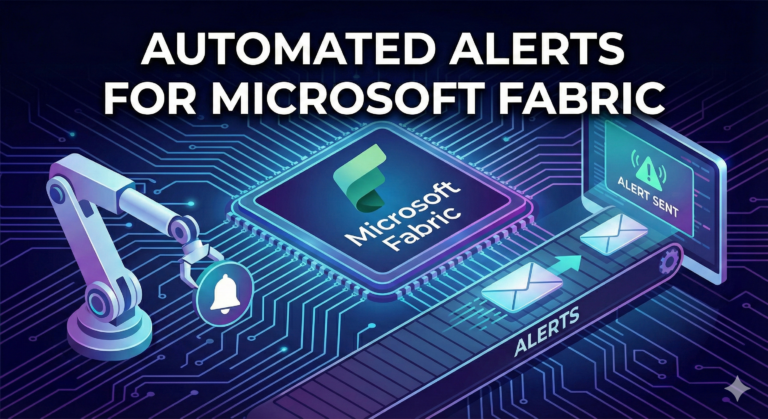
    Microsoft Fabric monitoring is essential when you’re running production pipelines – you need to know when something breaks before your users do. In my previous post, I walked through how to connect and ingest logs using a notebook. Now let’s take it a step further – automating the entire process with built-in alerting. By automation,…

    Read More How to Build Microsoft Fabric Monitoring with Automated Alerts – Part 2Continue

  • How to Build Automated Monitoring Alerts for Microsoft Fabric
    Administration | Microsoft Fabric

    How to Build Automated Monitoring Alerts for Microsoft Fabric

    ByLukasz Lubina December 2, 2025November 12, 2026
    6 min read

    Introduction If you’ve been working with Microsoft Fabric in production environments, you’ve probably faced this critical question: “How can we monitor our pipelines, notebooks, and processes with automated notifications when something goes wrong?” Here’s the thing—as of now, there’s no built-in functionality in Microsoft Fabric that fully addresses this need. The recently announced Workspace Monitoring…

    Read More How to Build Automated Monitoring Alerts for Microsoft FabricContinue

Lukasz Lubina

Hi, I'm Lukasz

Data Solution Architect

I help organizations design and implement enterprise-scale data solutions that transform how they work with their data.

About me LinkedIn RSS

New posts by email

One email per post. Unsubscribe anytime.

Series

Agentic Development in Microsoft Fabric
  1. 1The Setup
  2. 2One Prompt, One Workspace: Agentic Fabric Admin
  3. 3Data Engineering with Claude Code
  4. 4Power BI Development · soon
  5. 5Fabric Apps with Rayfin · soon
Environments & Custom Libraries
  1. 1Custom Environment
  2. 2Build Your Own Python Library
  3. 3Maintain Custom Libraries Across Workspaces
  4. 4Environment Strategies · soon
Fabric Monitoring & Alerts
  1. 1Automated Monitoring Alerts
  2. 2Monitoring with Automated Alerts, Part 2

Categories

  • Microsoft Fabric 10
    • Administration 6
    • Data Engineering 1
  • AI 3

Tags

#MicrosoftFabric #Administration #AgenticDevelopment #Fabric #AI #Monitoring

© 2026 Data Guide · Written by Lukasz Lubina
Series Categories About Contact Newsletter RSS
Scroll to top